Creator Tools WhatsApp Link & QR Generator

FREE CREATOR TOOL · CONNECT

WhatsApp Link Generator with Prefilled Message & QR Code

Create a WhatsApp click-to-chat link with a prefilled message and downloadable QR code. Free, mobile-friendly and no account required.

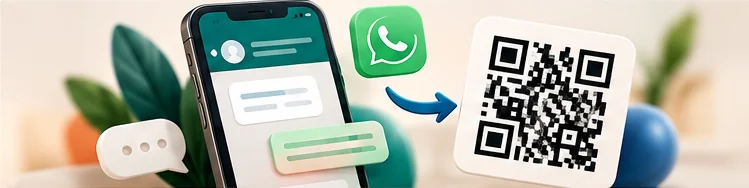
A chat bubble, smartphone and scannable QR code guiding a customer into a conversation.

YOUR WORKSPACE

Let's make something.

Inputs and files stay in your browser.

The link and QR code reveal your number. The visitor must press send in WhatsApp.

LIVE PREVIEW

Your preview.

Your WhatsApp link

Enter a valid international phone number to create your link and QR code.

The number is visible to anyone who opens or scans this link.

What does this tool do?

Give customers a direct path to start a conversation. Enter a phone number with its country code, write an optional opening message and generate a WhatsApp click-to-chat link. Share the link in your Instagram bio, business profile, digital flyer or online shop. The visitor opens the chat and decides whether to send the prepared message.

How to use it and example

For example, a photographer can prefill “Hi, I would like to check availability for a family session.” The QR code can be printed on a business card while the same URL appears in a link-in-bio page. Preview the exact chat URL, copy it and export the QR image. Review the number before publishing because anybody with the link can see it.

MAKE IT YOURS

Give your work a home.

Bring your links, offers, and creative work together on Social Shelf.

Create your free shelf →

Frequently asked questions

Can I create a WhatsApp link without an account?

Yes. Creating the link and QR code does not require a Social Shelf account; sending messages takes place in WhatsApp.

Can I add a message to the link?

Yes. The tool encodes your message in the click-to-chat URL. It is prefilled, not automatically sent.

Will the generated link expose my number?

Yes. A WhatsApp click-to-chat URL includes the destination phone number, so use a number you are comfortable making public.